



Spinando App For New Zealand Players
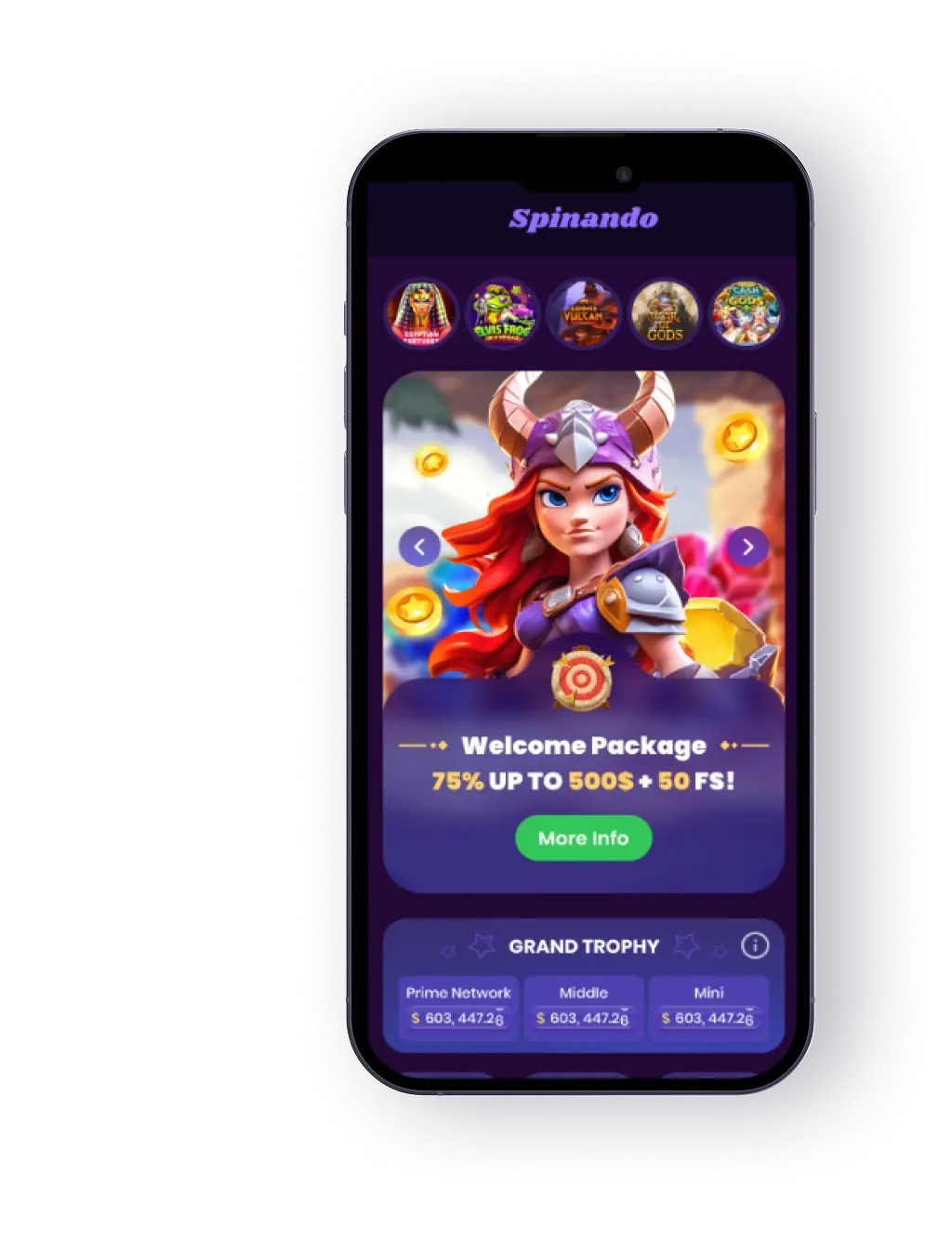
Over 70% of Kiwis now play casino games on their phone, and Spinando’s jumped straight into that space. The Spinando app runs slick on both iOS and Android, whether you’re firing it up on an iPhone 15, a Samsung Galaxy, or something in between.
So why add yet another casino app to your screen? Because this one actually works the way you want it to. Spinando trims away the extras and gives you what matters: pokies that don’t lag, payments that clear fast, and proper security so you don’t second-guess logging in on public Wi-Fi.
From your pocket, you’ve got access to over 5,000 games — pokies, blackjack, roulette, live dealers, the works. Waiting for the ferry in Wellington? Chilling at smoko in Christchurch? Open the app and you’re there in seconds.
The best bit? The app’s lightweight. It won’t hog storage, it doesn’t bloat over time, and yet it’s loaded with features that keep play quick, tidy, and under your control.
How to Download & Install
Getting started doesn’t take long. A couple of taps and you’re away. The steps are slightly different for Android and iOS, so here’s the breakdown:
iOS
Apple keeps things a bit tidier. Here’s how it works on iPhones and iPads:
- Open Safari and visit the official Spinando site.
- Tap the iOS (little bitten Apple) icon.
- You’ll jump straight to the App Store.
- Hit “Get,” and the app will download and install automatically.
- Once it’s on your screen, log in or sign up, drop in your first deposit, and the pokies are yours.
That’s it. No fiddling around, no side-loading. If you’ve ever installed any other app, you can do this in your sleep.
 Download the IOS app
 Android
Most Android users head straight to Google Play for apps — but gambling apps don’t show up there. No stress, though. Spinando makes it simple:
- Open Chrome (or any browser) and head to the official Spinando site.
- Scroll to the mobile section and tap the Android icon.
- A small file (APK) will download. Don’t panic — “APK” just means “app file.”
- If your phone asks for permission, flick it on in settings.
- Tap the file, let it install, and you’re good to go.
Takes about a minute, tops. After that, you’ll have the Spinando app sitting on your home screen, ready whenever you are.
 Download the Android app
 App Features & Benefits
A good app should do more than just look pretty. Spinando built theirs to tick the main boxes players actually care about:
Lightweight but Full of Games
One of the sneaky pains of mobile gaming is how heavy some apps get. You download them at 100MB and suddenly, a few months later, they’re pushing a gig and chewing through your storage. Spinando sidesteps that headache. The app clocks in lean from the start and stays that way, no matter how often you play. That means you don’t have to choose between keeping your casino app or holding onto the hundreds of photos from last summer’s camping trip in Rotorua.
Performance ties into this too. Because the app isn’t bloated, it loads fast, even on mid-range phones. That’s huge if you’re someone who likes to squeeze in a few spins on the train or while waiting for your flat white. No lag, no bloat, no storage warnings — just the games you actually want. Lightweight might not sound like a headline feature, but anyone who’s ever had to clear out apps for space knows just how much it matters.
Quick Deposits & Withdrawals
Banking’s simple: link up your card, e-wallet, or whatever you use, and you can chuck money in or pull winnings out with a couple of taps. No bouncing through six menus to find the right button.
Security That’s Actually Solid
Let’s be honest: if you’re putting money into an app, you want to know it’s bulletproof. Spinando takes that seriously. Every transaction runs through proper encryption — the same tech your bank uses — so payments stay private. On top of that, you can layer in biometrics. Got Face ID or a fingerprint scanner? Flick it on and you’ve just added a lock that only you can open.
Two-factor authentication is also there for extra peace of mind. It takes seconds to set up and means no one’s getting into your account without your say-so. Security isn’t just about money either — it’s about time. Nobody wants the stress of chasing down lost logins or frozen accounts. With Spinando, you can relax and actually enjoy the pokies instead of worrying about who might be snooping. The point’s simple: your phone is already your wallet, calendar, and ID; with the right protections, it can be your casino too — safely.
Fast Load Times
Ever tapped a casino app and sat watching a spinner? Doesn’t happen here. Spinando loads quick, even without lightning-fast internet. Games open smooth, graphics look sharp, and nothing drags.
Demo Mode
Not sure about a new pokie? Try it in demo mode first. You can get a feel for the game without risking a cent, then decide if it’s worth your cash later.
Smart Filters
Instead of scrolling endlessly, you can filter games by provider, type, or even volatility. Want high-risk, high-reward? A few taps and you’re there. Keen on chill, low-volatility spins? Same deal.
Responsible Play Tools
This one matters. The app builds in self-exclusion tools and deposit limits. If you ever feel like things are getting away from you, you can lock it down fast.



App Requirements & Compatible Devices
The app doesn’t demand much, but your device does need to meet a couple of basics to run Spinando smooth.
iOS
Spinando plays nice with iPhones and iPads running iOS 12 or later. That basically means if you’re on an iPhone 11 or newer, you’re sweet. iPads from the 6th generation up will handle it without a hiccup.
- iPhone: 11 and later recommended
- iPad: 6th gen or newer (or 3rd gen Air, 5th gen Mini)
- OS: iOS 12+
Android
Android’s a bit more varied, but the rule of thumb is: if your phone’s less than 10 years old, you’ll be fine.
- Brands tested: Samsung, Google Pixel, Xiaomi, OnePlus, Huawei, Nothing
- OS: Android 7 or newer
- Memory: At least 2GB RAM
- Storage: 200MB free
- Connection: Wi-Fi or mobile data
Performance Tips
A few simple tricks keep things humming along:
- Clear out old junk files (those screenshots from 2019 aren’t helping).
- Stick to safe networks. Public Wi-Fi is a hacker’s dream.
- Keep the app updated — fixes and improvements roll out regularly.
Mobile Optimisation
Not every casino app nails mobile design. Some look fine on desktop but shrink down awkwardly on a phone, with buttons too small or screens cluttered. Spinando was built the other way around: mobile first. Every menu is thumb-friendly, navigation makes sense, and games scale neatly whether you’re on a massive tablet or a compact Android.
That might sound basic, but it changes how you play. No fiddling with zoom. No hitting the wrong button because the “Spin” was squashed into the corner. It’s as natural as scrolling Instagram or checking the news. Graphics also scale automatically, so pokies look sharp on newer devices without frying your battery.
For Kiwis who spend a fair chunk of time commuting, or who’d rather sneak in a few rounds at lunch, mobile optimisation is the difference between a clunky time-killer and a polished casino in your pocket. Spinando lands squarely in the latter camp. You’ll notice it the first time you open a game and it just feels right.
Mobile Web Version NZ
Not keen on downloading apps? Spinando’s got a mobile site that mirrors the app almost one-to-one. Fire up Chrome, Safari, or whatever browser you use, and you’ll still get:
- The full game library (5,000+ pokies, tables, and live dealers)
- Bonuses and promos (same as desktop)
- Quick banking (cards, e-wallets, crypto)
- Loyalty program access
- 24/7 support
No updates, no storage used, no maintenance. It’s ideal if your phone’s already packed with apps, or you just prefer keeping things browser-based.
Join nowFrequently Asked Questions
Can I play live dealer games on my mobile?
Is the Spinando app free?
Do I need to install pokies separately?
Do I have to update the app all the time?
Are there special mobile-only bonuses?
What if the app doesn’t load?
