



Spinando Casino App for Aussie Players
Why Mobile Matters
If you’re like most Aussies, the phone’s your main gaming hub. Whether it’s waiting for the train, chilling on the couch, or sneaking in a few spins during lunch, mobile play has become the default. Spinando knows this — that’s why they’ve built a proper mobile experience instead of leaving players stuck with clunky browser versions.
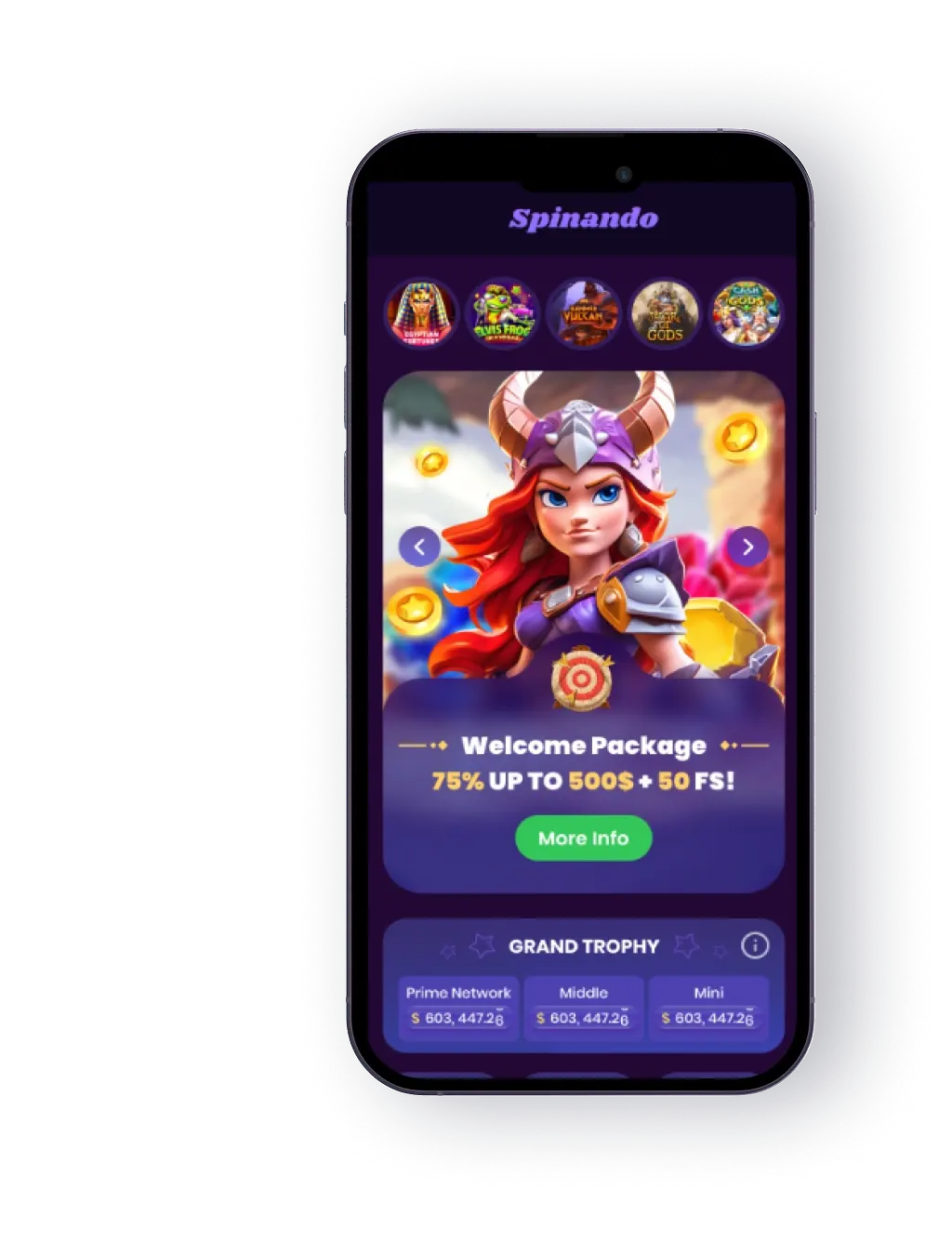
The Spinando Casino app is lightweight, fast, and set up for easy play on both iOS and Android. You get the full suite: pokies, table games, live dealer, secure payments, and responsible gaming tools — all in your pocket. No shortcuts, no “mobile lite” version. Just the real thing, optimised for phones and tablets.
How to Download & Install
Here’s the thing: casino apps aren’t always straightforward to grab. Apple and Google have their own rules, and in Australia, it can get even trickier. But don’t stress — Spinando makes the process clear.
First Impressions After Install
When I first opened the Spinando app, I expected a trimmed-down version of the site. Instead, it looked and felt complete — clean menus, smooth scrolling, no lag. The pokies loaded as fast as they do on desktop, and the live casino streams ran without a glitch on my 4G. It didn’t chew through storage either, which was a nice surprise.
It’s the kind of app you forget is technically an “offshore casino” — it feels polished enough to sit alongside your everyday apps.
iOS App
iPhone and iPad users have it a bit easier. Apple allows gambling apps in the App Store if they meet the standards, and Spinando’s one of them. To install:
- Open Safari and go to Spinando’s official site.
- Tap the Apple icon in the mobile section.
- You’ll be redirected to the App Store — hit “Get”.
- The app will download and install automatically.
- Log in with your Spinando account, make your first deposit, and the full game library opens up.
No hoops to jump through here — if you’ve ever downloaded a social app, you’ll manage this in under two minutes.
 Download the IOS app
 Android App (APK Install)
Google Play doesn’t host real-money casino apps for most regions, including Australia. So if you’re an Android user, you’ll need to install the APK file directly from Spinando’s site. Sounds techy, but it’s dead simple:
- Open Chrome (or your usual browser) on your phone.
- Go to the official Spinando site and scroll down to the mobile section.
- Tap the Android icon — the APK will download.
- Head into your phone settings and allow “Unknown Sources” for installs (you only need to do this once).
- Open your Downloads, tap the APK, and hit Install.
- The Spinando icon will pop up on your home screen — log in and you’re ready to play.
Think of APK as just another app file. It doesn’t bite — it’s the same Spinando app you’d get from a store, only downloaded straight from the source.
 Download the Android app
 App Features & Benefits
Downloading the Spinando app isn’t just about convenience. It comes with a bunch of perks that make it worth keeping on your phone.
Always Ready
The icon sits right on your home screen. Tap it, and you’re straight in. No typing URLs, no saving bookmarks.
Seamless Design
The app’s built with mobile-first navigation. Big buttons, thumb-friendly menus, and swipe scrolling make it easy to use one-handed — handy if you’ve got a coffee in the other.
Full Game Library
You’re not getting a watered-down version. The app packs the same 5,000+ titles you’ll find on desktop — pokies, blackjack, roulette, baccarat, crash games, and live dealer tables. Graphics adjust to screen size automatically, so whether you’re on a small Android or the latest iPad, the visuals stay crisp.
Secure Payments
The app supports the same Aussie-friendly payment methods: Visa, MasterCard, Neosurf, Skrill, Neteller, Paysafecard, MiFinity, Jeton, eZeeWallet, and crypto via CoinsPaid. All payments are encrypted with SSL, the same standard your bank uses.
Quick Logins
Spinando integrates with biometric logins — Face ID or fingerprint scan. No more typing long passwords every time.
Push Notifications
Enable them and you’ll get alerts about fresh bonuses, tournaments, or seasonal promos. It’s optional, so if you don’t want your phone pinging, you can turn them off.
Responsible Play Tools
Deposit limits, cooling-off periods, and self-exclusion are all accessible from the app. Spinando didn’t cut corners here — mobile players have the same control options as desktop users.
From My Experience: Handy in the Small Moments
One thing I didn’t expect? How useful the app feels for those in-between times. Waiting for a train, sitting in a café, winding down at night — I found myself opening Spinando instead of scrolling socials. I’m not talking hours of play, just a few quick spins or a hand of blackjack. It’s built for those small bursts of entertainment where you’d otherwise be staring at nothing.



App Requirements & Compatible Devices
The good news? You don’t need the latest thousand-dollar flagship to get Spinando running. The app’s pretty lightweight, so most modern phones and tablets will handle it fine. Still, here are the basics to know before you download:
iOS (Apple)
- Runs smoothly on anything from the iPhone 8 up (or a 5th-gen iPad and newer).
- Needs iOS 13 or later, so if you’ve been dodging software updates since forever, now’s the time.
- Storage? Around 50 MB for the app itself, plus a little breathing room for updates.
- For the best experience, aim for at least 2 GB of RAM — which most recent iPhones already have covered.
Android
- Works on most mid-range and flagship models — Samsung, Google, Oppo, Huawei, you name it.
- Needs Android 8.0 (Oreo) or above, which means most phones from the last 4–5 years are good to go.
- The APK file itself is only about 60 MB, so it won’t hog storage, though live games will cache extra data as you play.
- At least 2 GB of RAM is recommended, but if you’ve got 4 GB or more, live dealer streams will be butter-smooth.
Internet Connection
- Wi-Fi or 4G/5G is the sweet spot. The app will run on 3G if you’re desperate, but live games will feel like watching sport on dial-up — lots of lag, not much fun.
Battery Use
Pokies are light, but live games and HD streaming chew more power. A quick tip: play with your charger nearby if you’re planning a longer session.
Why Compatibility Matters
Not every offshore casino bothers with proper mobile optimisation. Some crash on older devices, others run clunky menus that feel like desktop sites squished into a small screen. Spinando’s app is lighter than you’d think, and because it only takes ~50–60 MB, it doesn’t hog storage the way some casino apps do.
Mobile Web Version
Not everyone wants to download another app. Some prefer to keep their phones light or just don’t like installing APK files. Spinando has that covered with its mobile browser version.
Fire up Safari, Chrome, or whatever browser you use, type in the site, and you’ll get the full experience right there. No installs, no updates, no storage space needed.
Key Perks of Mobile Web
- Instant Access: Just log in from the browser and you’re in.
- No Updates Required: Unlike apps, you don’t have to download patches. The site updates automatically.
- Full Compatibility: Works on any device that can run a modern browser, even older models.
- “Add to Home Screen” Option: iOS and Android both let you save the site as an icon on your home screen. Tap it, and it behaves almost like the app.
I tested both the app and browser version, and honestly, they’re close. The app edges ahead with quicker logins and smoother menus, but if you’re on a work phone or don’t want to mess with installs, the mobile site does the job.
Join NowSpinando Casino App FAQ
Is the Spinando app free?
Do I need a separate account for the app?
Will I have to verify my ID again on the app?
Can I deposit and withdraw in AUD?
The Android app isn’t installing — what now?
Will updates mess with the app?
Do app users get extra bonuses?
